
OpenAgentSeal
A Python-based personal AI assistant for any OS and platform.



Project Overview
OpenAgentSeal is a Python-first AI agent framework with an execution loop, tool system, memory system, multi-LLM configuration, Web UI, and a lightweight Tauri desktop shell.
It is designed for local-first agent applications that can run as:
- an interactive CLI assistant
- a FastAPI + Vue Web UI
- a Windows desktop shell with tray integration
- an Android APK / mobile shell connected to the same local-first agent runtime
- an ACP-compatible agent service
- a tool-using runtime with MCP and Skills support
Platform Shape
- Core runtime: Python agent loop, tool calling, memory, task queue, and LLM adapters.
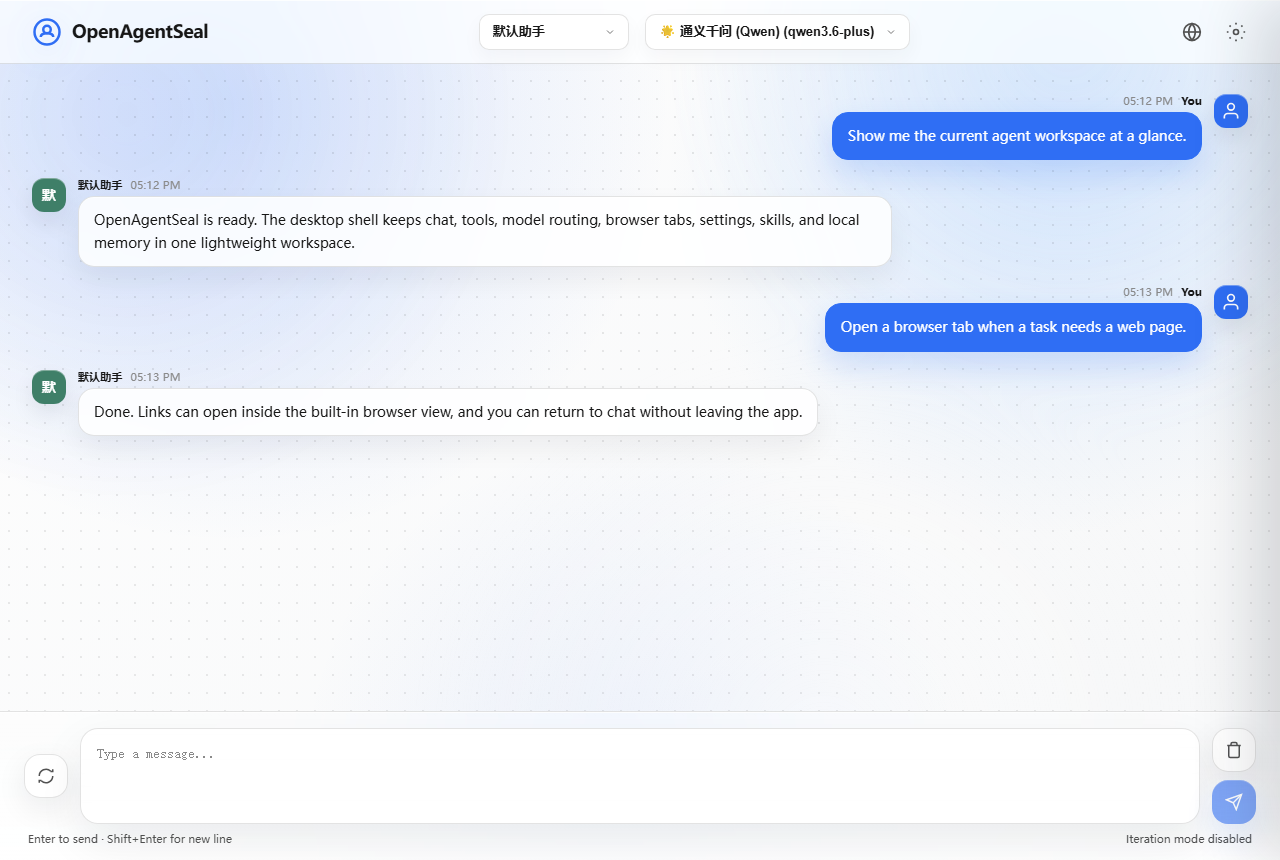
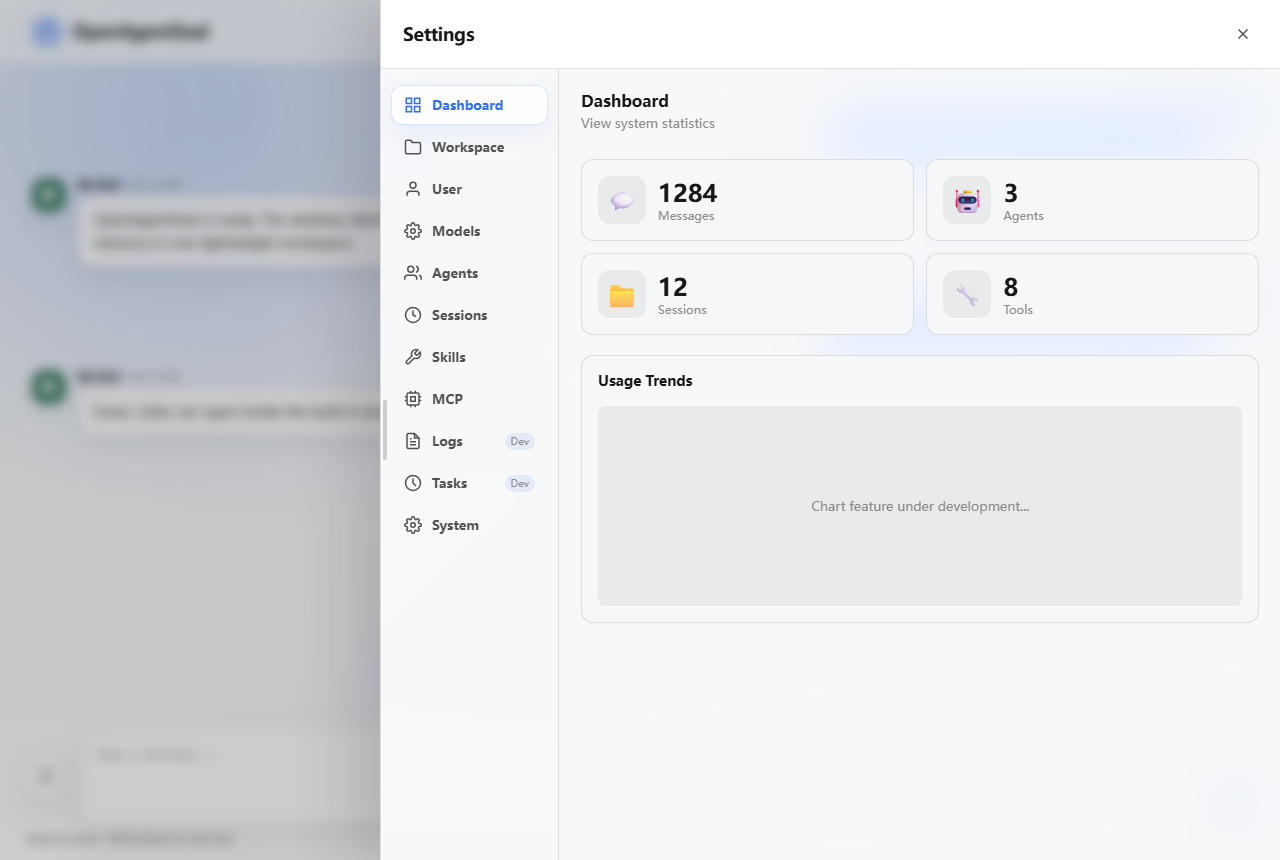
- Web interface: Vue 3 workspace for chat, model switching, settings, and agent status.
- Desktop shell: Tauri 2 wrapper for a native Windows-style local assistant.
- Mobile shell: Android APK build and mobile connection workflow documented in the project docs.
- Integration layer: MCP, ACP, Claude Skills, and multi-provider model configuration.
Screenshots
Features
Core Capabilities
- Agent execution loop: multi-turn conversations and tool calling.
- Multi-LLM support: Anthropic, OpenAI, DeepSeek, MiniMax, Volcano Engine, Qwen, Zhipu AI, and more.
- Streaming response: SSE streaming output for real-time AI responses.
- Tool system: file operations, command execution, notes, MCP tools, and Claude Skills.
- Memory system: tree-structured memory with SQLite backend and temporal graph RAG.
- Task queue: priority scheduling and concurrency control.
Interface Capabilities
- Web UI: chat workspace, settings panel, model switching, and status visualization.
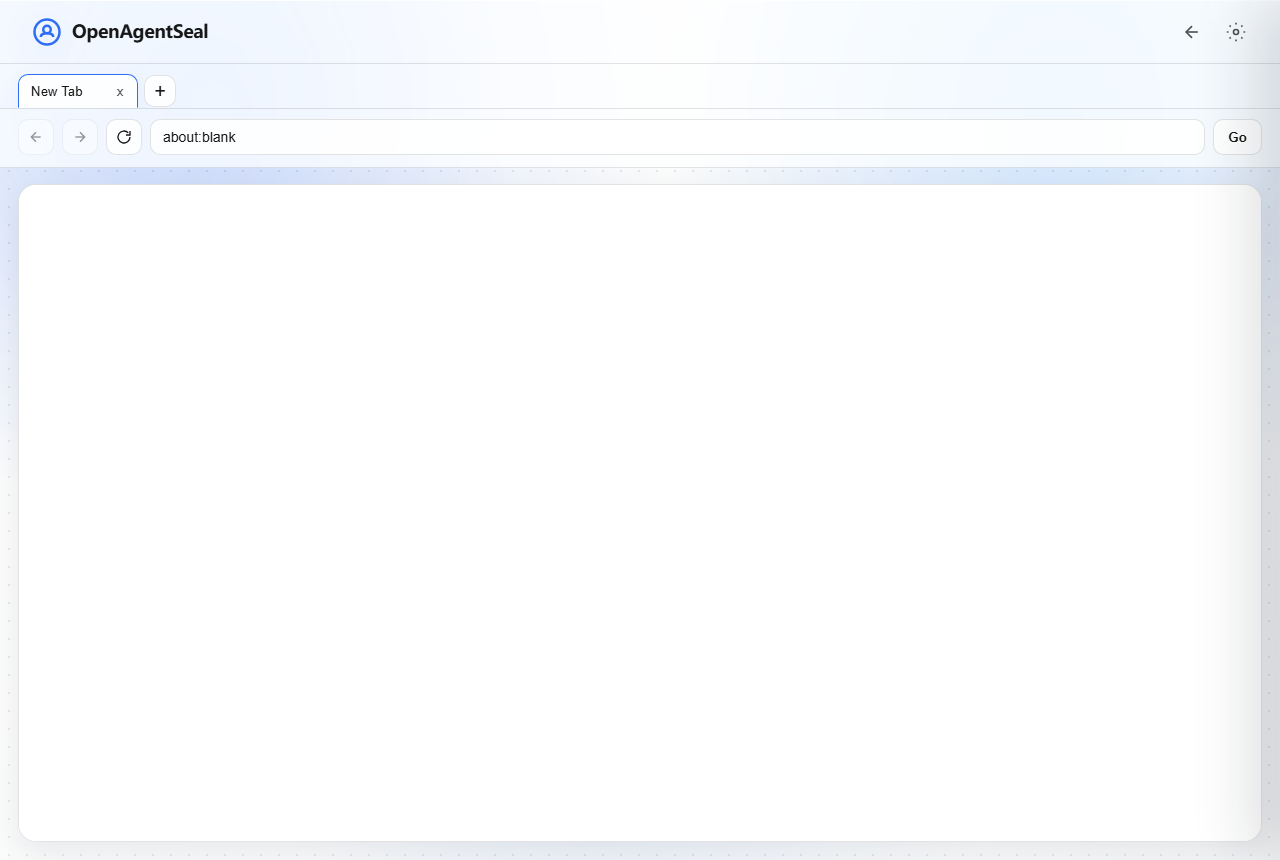
- Desktop shell: tray integration, native window, backend lifecycle management, and Windows packaging.
- ACP service mode: expose OpenAgentSeal through Agent Communication Protocol.
Quick Start
1. Install
bash
git clone https://github.com/ASunYC/OpenAgentSeal.git
cd OpenAgentSeal
pip install uv
uv sync2. Run the Agent
bash
open-agentStart Web UI only:
bash
open-agent --web-only --port 9998Linux Web-only setup:
bash
bash scripts/linux/install.sh
bash scripts/linux/start-web.shStart ACP service:
bash
open-agent-acp --port 80803. Start the Desktop Shell
bash
cd desktop
npm install
npm run devMobile Shell
OpenAgentSeal now includes mobile connection and Android APK build documentation.
- Mobile shell guide: docs/mobile_shell.md
- Linux setup guide: README_LINUX.md
Use this when you want the same local-first assistant runtime to be reachable from a mobile shell instead of only the desktop or browser UI.
Commands
| Command | Description |
|---|---|
open-agent | Start the interactive agent assistant |
open-agent --workspace <path> | Run the agent against a specific workspace |
open-agent --task "..." | Execute a single task |
open-agent --cli-only | Start in CLI-only mode |
open-agent --web-only --port 9998 | Start only the Web UI service |
open-agent-acp --port 8080 | Start the ACP-compatible service |
bash scripts/linux/install.sh | Install Linux Web-only prerequisites |
bash scripts/linux/start-web.sh | Start the Linux Web-only service |